
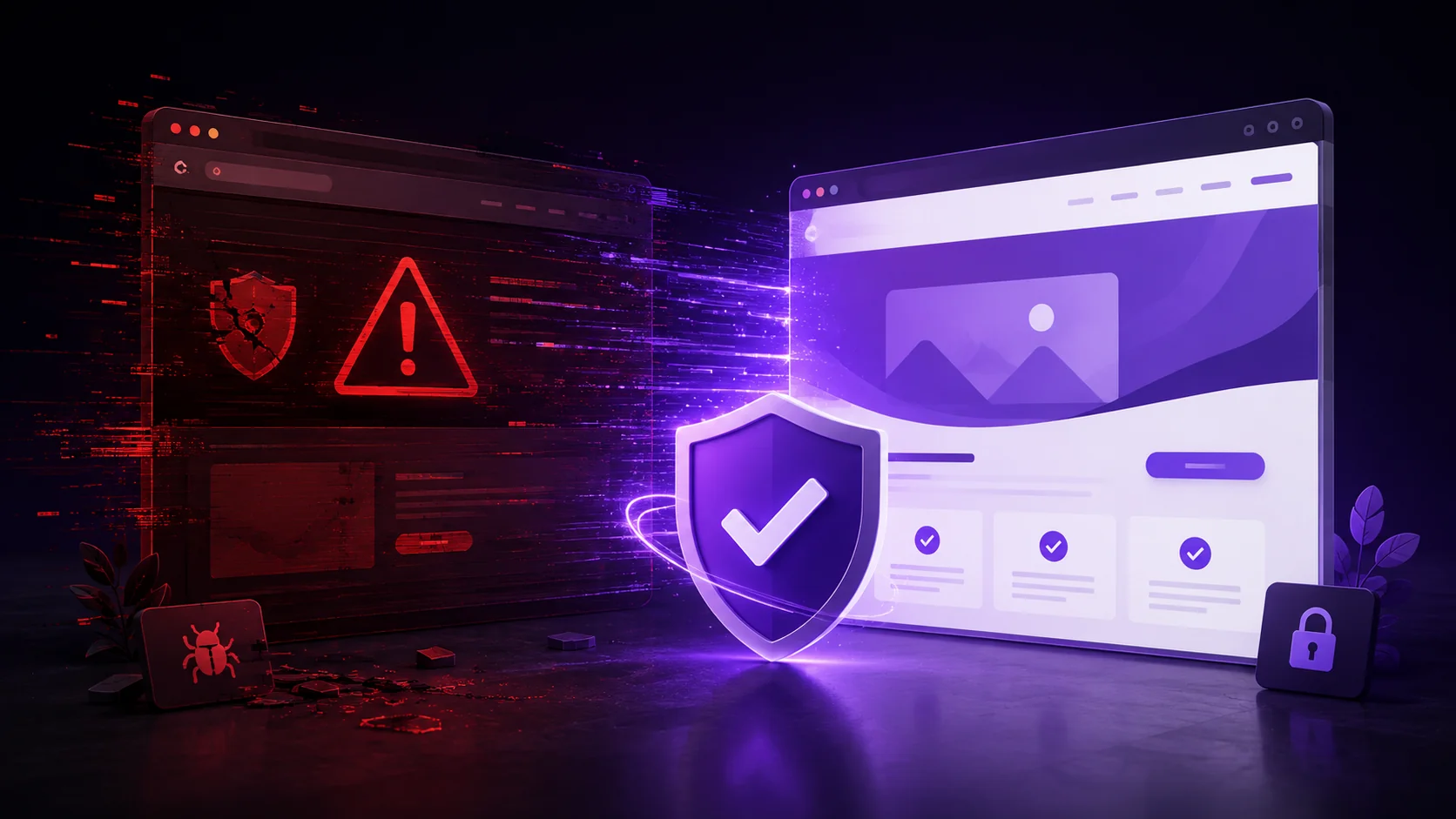
Finding out your website has been hacked is stressful, but panicking makes recovery slower, not faster. Hacked website recovery Hyderabad businesses need follows a clear, methodical process — here’s exactly what to do.
As a website maintenance company in Hyderabad handling these situations regularly, we’ve built this into a repeatable process. Follow it in order.
Step 1: Confirm the Site Is Actually Hacked
Strange redirects, unfamiliar admin users, defaced pages, or Google flagging your site as unsafe are common signs. Check Google Search Console first — it often flags security issues before you notice them yourself.
Don’t skip this confirmation step. Some issues that look like hacks are actually plugin conflicts or server errors with different fixes entirely.
Step 2: Take the Site Offline or Restrict Access
Put your site into maintenance mode immediately, or restrict access while you investigate. This prevents further damage and stops the hack from spreading to visitors in the meantime.
This step protects your users first, even before you’ve fully diagnosed the problem.
Step 3: Change All Passwords Immediately
Reset every admin password, database password, FTP credentials, and hosting account password right away. If one credential was compromised, assume all connected credentials could be at risk too.
Use strong, unique passwords for each account. Reused passwords are exactly how a single breach cascades into a much bigger problem.
Step 4: Scan for Malware
Tools like Sucuri and Wordfence scan your site’s files and database for injected malicious code. This identifies exactly what needs to be removed, rather than guessing.
Document what the scan finds. This helps you understand how the attacker got in, which matters for preventing a repeat incident.
Step 5: Remove Malicious Code and Restore Clean Files
Compare infected files against clean backups where possible, removing anything injected by the attacker. If your CMS core files were modified, reinstalling fresh copies is often safer than trying to manually clean each one.
This is where a recent, tested backup becomes invaluable. Without one, this step takes significantly longer and carries more risk of missing something.
Step 6: Update Everything
Outdated software is the most common way sites get compromised in the first place. Update your CMS core, all plugins, and themes to their latest versions immediately after cleanup.
Skipping this step means the same vulnerability that let the attacker in remains open for a repeat attack.
Step 7: Request a Google Security Review
If Google flagged your site, use Search Console to request a review once cleanup is complete. This process removes the “This site may be hacked” warning from search results, restoring visitor trust and rankings.
This step can take several days, so submit it as soon as you’re confident the site is genuinely clean.
Step 8: Prevent Future Incidents
Install a proper security plugin, enable two-factor authentication, and set up automated, off-site backups going forward. Following Cloudflare’s security guidance and the WordPress hardening guide closes most common vulnerability paths.
How NRS Technologies Handles Hacked Website Recovery
We follow this exact process for every client recovery, moving quickly while documenting each step for future prevention. Our Website AMC services include ongoing monitoring specifically designed to catch issues before they escalate to a full compromise.
As a result, clients recover faster and understand exactly what happened, rather than being left guessing. Our website design services also build in security hardening from the initial launch, reducing the risk of this happening in the first place.
Frequently Asked Questions
How do I know if my website has actually been hacked? Strange redirects, unfamiliar admin users, defaced content, or a Google Search Console security warning are common signs, though it’s worth confirming before assuming the worst.
Should I take my website offline immediately after discovering a hack? Yes, restricting access or enabling maintenance mode prevents further damage to visitors while you investigate and clean the site.
How long does hacked website recovery typically take? With a recent, clean backup, recovery can often be completed within hours. Without one, cleanup can take significantly longer due to manual file review.
Do I need to change all my passwords after a hack, or just the admin login? Change all connected credentials, including hosting, FTP, and database passwords, since a single compromised credential can put related accounts at risk too.
How do I remove a Google security warning after cleaning my site? Request a security review through Google Search Console once cleanup is complete. This process can take several days to fully clear the warning.
What’s the best way to prevent future hacking incidents? Regular software updates, a dedicated security plugin, two-factor authentication, and automated off-site backups together close most common vulnerability paths.
Final Thoughts
A hacked website is recoverable, and following a clear, methodical process makes the difference between hours and days of downtime. Prevention afterward matters just as much as the cleanup itself.
Ready to get started? Contact NRS Technologies at hello@nrstechnologies.com or visit nrstechnologies.com/contact for urgent hacked website recovery help.