
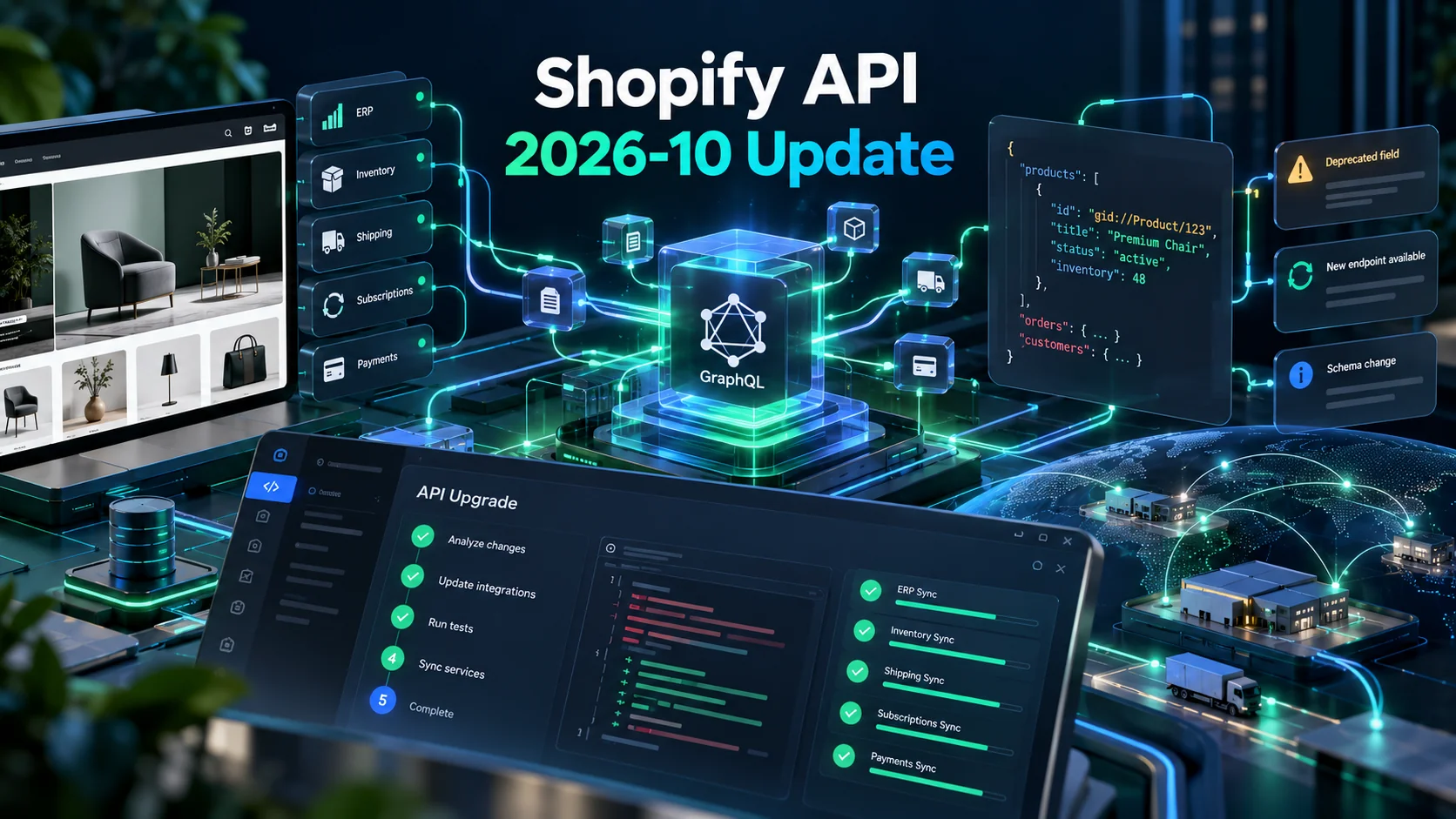
The Shopify API 2026-10 update is now stable.
If your Shopify store uses only a standard theme and common apps, you may not need to do anything immediately.
However, businesses with custom apps, ERP connections, shipping integrations, subscription systems or custom product-data workflows should review this release carefully.
Shopify made API version 2026-10 stable on October 1, 2026.
Shopify says several changes in this version require code updates, especially around order taxes, draft-order discounts, metafield filters and customer-account checkout data.
You can review the complete official Shopify 2026-10 API release notes.
This guide explains the changes that matter most to merchants and development teams.
What Is the Shopify API 2026-10 Update?
Shopify releases new API versions on a regular schedule.
Each version can introduce new capabilities, remove deprecated fields and change how existing integrations behave.
The October 2026 release includes changes across:
- Orders
- Inventory
- Products
- Metafields
- Subscriptions
- Shipping
- Shopify Payments
- Customer accounts
- Shopify Functions
- POS
- ShopifyQL
- Storefront API
That does not mean every Shopify merchant needs custom development.
However, if another system communicates directly with Shopify’s APIs, your technical team should review the changes.
Why Shopify API Maintenance Matters
A custom integration can continue looking normal on the storefront while failing silently in the background.
For example, an API change can affect:
- Inventory synchronization
- Order imports
- Shipping rates
- Tax calculations
- Subscription updates
- Customer accounts
- Product identifiers
That makes API maintenance different from visual theme maintenance.
The storefront may still look perfect while an operational workflow has stopped working correctly.
1. Updating an Order Address Can Recalculate Taxes
This is one of the most important changes for order-management integrations.
In API version 2026-10, changing the shipping address on an unfulfilled order can trigger tax recalculation for the new destination.
That means a custom ERP, customer-support system or order-management application should not assume the original tax value remains unchanged.
After an address update, integrations may need to re-read:
- Tax lines
- Total tax
- Order totals
- Outstanding balance
Why does this matter?
Imagine a customer changes the delivery state after placing an order.
If the destination has different tax rules, the final amount may also change.
A custom integration that ignores the recalculated totals could create accounting or refund problems.
2. Draft Order Discount Integrations Need Attention
Shopify has removed the deprecated priceRule field from DraftOrderDiscountNotAppliedWarning.
The legacy PriceRule object and related public-schema types are also removed.
Apps that inspect draft-order discount warnings should update their queries.
Shopify recommends using fields such as:
discountTitlediscountCode
If your business uses sales representatives, wholesale orders or custom quotation workflows, this change deserves attention.
3. Invalid Metafield Filters Now Return Errors
This change can expose problems that were previously hidden.
Earlier behaviour could silently ignore some invalid metafield-filter predicates.
In API 2026-10, Shopify now returns an error when a query filters by a metafield that is not valid for filtering.
That is technically safer.
However, it can break integrations that depended on the older behaviour.
Review custom filtering used for:
- Product feeds
- ERP sync
- Custom catalogues
- Marketplace tools
- Internal dashboards
Make sure the metafield definition supports the filtering or comparison operation your query uses.
4. Shopify Product Variants Can Now Have Multiple Barcodes
Shopify has expanded product-identifier support.
The ProductVariant object now includes a barcodes connection.
Shopify says it can support up to 20 typed barcodes.
The older singular barcode field is deprecated.
This matters for businesses that synchronize Shopify with:
- ERP systems
- Warehouse software
- POS systems
- Supplier databases
- Marketplace feeds
An integration that reads only the old barcode field may receive only the first identifier.
Therefore, product-sync logic should be reviewed.
5. Carrier Service Creation No Longer Automatically Adds Rates
Shipping integrations also need attention.
Creating a carrier service now registers the service.
However, Shopify says that action no longer automatically adds its rates to the General shipping profile.
Businesses must configure carrier-calculated rates in the appropriate shipping profile for customers to see those rates at checkout.
This is important for stores using:
- Courier APIs
- Dynamic freight pricing
- Custom logistics providers
- Location-based shipping
- B2B delivery calculations
A successful API response does not necessarily mean customers can see the shipping option.
6. Subscription Management Gets a New Calculation API
Shopify has introduced SubscriptionContractCalculation.
It replaces the older multi-step SubscriptionDraft workflow for creating and editing subscription contracts.
The new approach follows a:
calculate → poll → commit
lifecycle.
This can simplify subscription updates.
However, existing custom subscription applications may need changes before adopting the new version.
7. Customer.lastIncompleteCheckout Is Removed
The Customer Account API also includes an important removal.
The deprecated Customer.lastIncompleteCheckout field is gone in 2026-10.
The related unreachable Checkout subtree is also removed.
Shopify says there is no direct Customer Account API replacement.
If your custom application queries incomplete checkout information through that field, remove those queries before upgrading.
8. Fulfillment Status Can Return a New Value
Order integrations should also account for FULFILLMENT_NOT_REQUIRED.
An order with no remaining fulfillable quantity may now return this value instead of UNFULFILLED.
This sounds like a small change.
However, it can matter when your application uses strict status mapping.
For example, an internal dashboard might contain code such as:
if status === "FULFILLED"
if status === "PARTIALLY_FULFILLED"
if status === "UNFULFILLED"
If your software assumes only those values exist, the new status can create unexpected behaviour.
9. Customer Address Fields Are Changing
The Customer Account API now supports countryCode using two-letter country codes.
The older territoryCode field is deprecated.
This affects businesses that synchronize customer addresses with external systems.
International merchants should pay particular attention because address data can affect:
- Shipping
- Tax
- Localization
- Customer segmentation
10. Shopify Customer Segment Query Syntax Has Changed
Shopify has also updated the function syntax used in segment queries.
Functions now use operators such as:
MATCHES
and:
NOT MATCHES
instead of older Boolean-style comparisons.
You can review the official Shopify segment-query syntax update.
This affects custom applications that generate or store customer-segmentation queries.
Shopify 2026-10 API Changes: Quick Checklist
| Area | What to Check |
|---|---|
| Order address updates | Re-read taxes and totals |
| Draft order discounts | Remove legacy PriceRule queries |
| Metafield filters | Validate filterable definitions |
| Product barcodes | Support multiple barcodes |
| Carrier services | Check shipping-profile configuration |
| Subscriptions | Review new calculation workflow |
| Customer checkout data | Remove lastIncompleteCheckout queries |
| Fulfillment status | Handle FULFILLMENT_NOT_REQUIRED |
| Customer addresses | Prepare for countryCode |
| Segments | Update function syntax |
Will the Shopify Update Break My Store?
Usually, not the storefront itself.
Most risks affect custom integrations or applications using the API.
A merchant using a standard theme and mainstream Shopify apps may notice nothing.
However, businesses with custom development should not assume that means they are unaffected.
How Do I Know Whether My Shopify Store Uses Custom APIs?
Ask whether your Shopify store communicates with another business system.
Common examples include:
- ERP
- CRM
- Warehouse system
- Custom mobile app
- Vendor portal
- Shipping provider
- Accounting platform
- Subscription platform
- Private Shopify app
If the answer is yes, someone should identify which Shopify API version the integration currently uses.
Do Shopify Apps Upgrade Automatically?
Not necessarily.
Shopify platform changes and app-code changes are different things.
A third-party app vendor is responsible for maintaining its own integration.
A private or custom application is normally your responsibility.
That is why companies with custom Shopify infrastructure should keep basic documentation about:
- Apps
- API versions
- Webhooks
- External services
- Owners
Should You Upgrade Every Integration Immediately?
Not blindly.
First, review whether the application actually uses an affected feature.
Then test the newer API version in a development or staging environment.
A sensible process is:
Inventory → Review → Update → Test → Deploy → Monitor.
Test Orders, Not Just API Responses
An API returning HTTP 200 does not prove your commerce workflow works.
Test the actual business journey.
For example:
- Create a test order.
- Update its address.
- Verify taxes.
- Check ERP synchronization.
- Test fulfillment.
- Verify shipping.
- Confirm customer notifications.
This exposes problems that basic API tests may miss.
Test Product and Inventory Synchronization
If Shopify receives products from another system, run a controlled synchronization.
Check:
- SKU
- Barcode
- Price
- Inventory
- Variants
- Metafields
The multiple-barcode change makes this especially important for retailers with complex inventory systems.
Test Shipping at Checkout
If you use a custom carrier service, do not stop after confirming that the service exists.
Place a test checkout.
Verify that customers can actually see the expected shipping rates.
This is particularly important after the change to carrier-service registration behaviour.
Review Your Shopify Webhooks Too
Shopify’s platform continues to evolve beyond standard API queries.
Order, inventory and customer workflows often depend heavily on webhooks and events.
If your integration was built several years ago, now may be a good time to review its wider architecture.
Should You Rebuild an Old Shopify Integration?
Not automatically.
A small version migration may solve the problem.
However, modernization becomes more attractive when:
- The integration uses outdated REST endpoints.
- There is no documentation.
- Errors are difficult to trace.
- Webhook handling is unreliable.
- API versions are repeatedly allowed to expire.
- The original developer is no longer available.
In those cases, continued patching may become more expensive than improving the architecture.
How NRS Technologies Handles Shopify Integrations
At NRS Technologies, Shopify projects can extend beyond theme development.
Depending on the business, our work can include:
- Custom Shopify development
- Private applications
- GraphQL API integrations
- ERP integration
- Shipping integration
- Payment workflows
- Inventory synchronization
- Customer-data workflows
- Custom storefronts
If the problem is mainly customer experience, our UI/UX design services can address the storefront side as well.
AI Features Are Also Changing Shopify Development
API maintenance is only one part of the platform’s current evolution.
Shopify is also expanding AI-assisted design and agentic commerce.
That makes clean APIs and reliable product data increasingly valuable.
Our recent article about Shopify’s agentic checkout explains how AI shopping agents can participate in the buying journey.
Is Your Custom Shopify Integration Ready for 2026-10?
If your store depends on custom software, do not wait for a customer or operations team to discover the problem first.
Review:
- API version
- Order workflows
- Product synchronization
- Metafield queries
- Subscriptions
- Shipping rates
- Customer accounts
You can also review our selected development projects or learn more about NRS Technologies.
Ask NRS Technologies to review your Shopify integration →
Frequently Asked Questions
When did Shopify API version 2026-10 become stable?
Shopify lists October 1, 2026 as the release date for API version 2026-10.
Does every Shopify merchant need to update code?
No. The most important changes affect custom applications and integrations using specific Shopify APIs. Stores using standard themes and managed third-party apps may not need direct code changes.
What happens to Shopify metafield filters in 2026-10?
Invalid metafield filter queries now return errors instead of silently ignoring unsupported predicates. Custom applications should verify that the relevant metafield definitions support filtering.
Is the Shopify ProductVariant barcode field removed?
The singular barcode field is deprecated. Shopify now provides a barcodes connection that supports multiple typed barcodes.
Do carrier services automatically appear in the General shipping profile?
No. Shopify says newly created carrier services are registered but no longer automatically add rates to the General shipping profile.
Does NRS Technologies maintain custom Shopify integrations?
Yes. NRS Technologies can work on Shopify API integrations, private apps, ERP connections, shipping systems, inventory synchronization and other custom ecommerce workflows.
Final Thoughts
Shopify API updates are easy to ignore when the storefront still looks normal.
That is exactly why integration problems can go unnoticed.
The October 2026 release includes several useful improvements.
However, it also changes assumptions that older custom applications may rely on.
Review the integration before the integration becomes the emergency.
If your Shopify business depends on custom APIs and you are unsure whether your current code supports 2026-10, contact NRS Technologies for a Shopify integration review.