
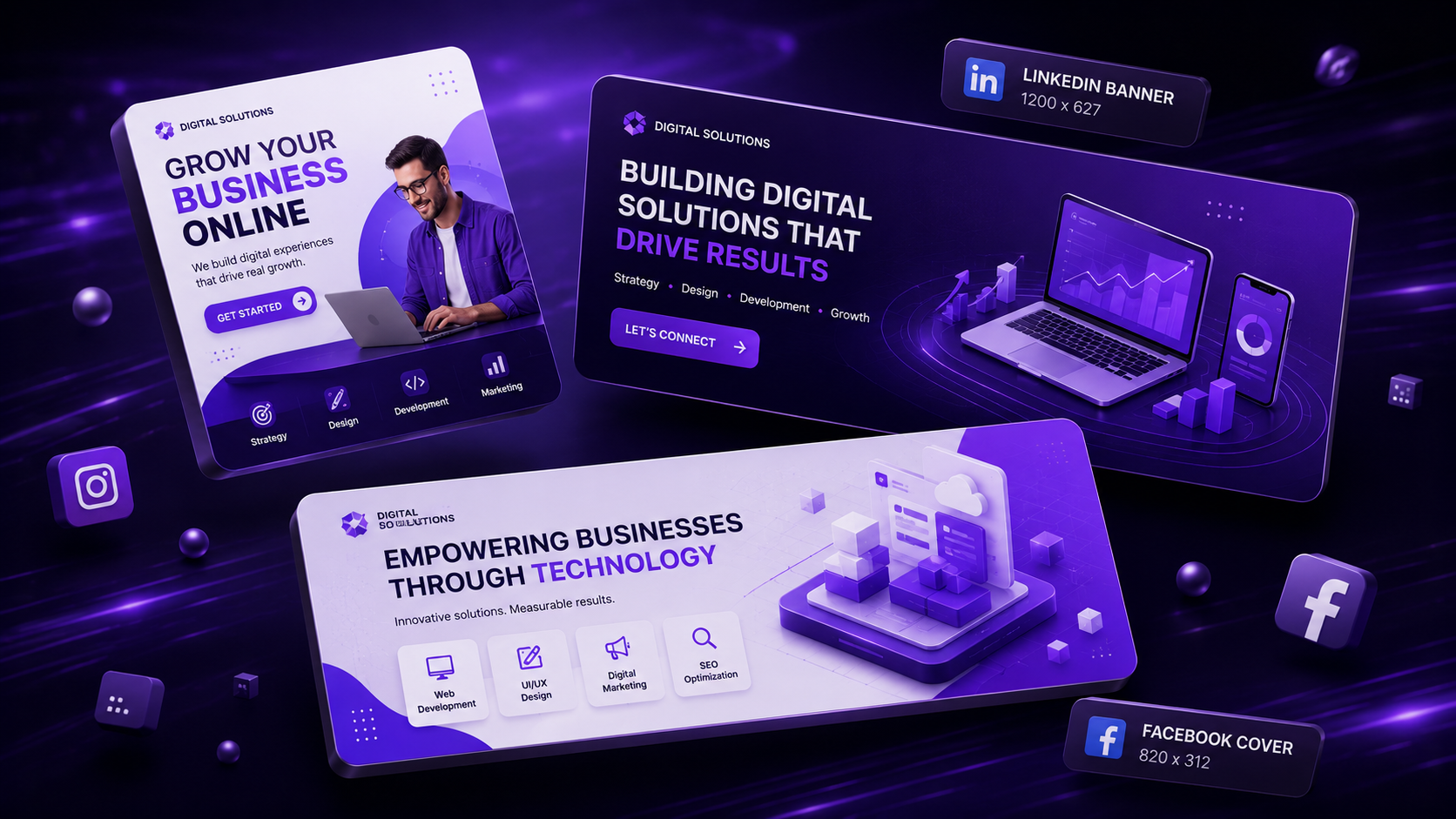
With feeds more crowded than ever, a business’s social media graphics have roughly a second to earn a pause before a thumb keeps scrolling. As a social media graphic design company in Hyderabad, we treat every post as a tiny piece of brand advertising — because that’s exactly what it is.
Why Design Matters More Than Ever on Social Media
Organic reach continues to get harder to earn, which means every post needs to work harder visually to justify the scroll-stopping moment. Generic stock templates blend into the noise; distinctive, consistent brand design earns recognition even in a fast scroll.
Platform-Specific Design Specs for 2026
Getting dimensions wrong is one of the most common — and easily avoidable — mistakes:
- Instagram Feed: Square (1080×1080) or portrait (1080×1350) for maximum feed real estate
- Instagram Stories/Reels: Vertical 1080×1920
- LinkedIn: 1200×627 for link posts, 1080×1080 for standalone graphics
- Facebook Cover/Posts: Varies by placement; always design for mobile cropping first
Reference guides like Sprout Social’s image size guide are worth bookmarking since platform specs shift periodically.
Color Psychology for Social Media Brands
Consistent color use across posts builds instant brand recognition even before a viewer reads the caption. High-contrast color combinations tend to perform better for scroll-stopping in crowded feeds, while muted, cohesive palettes work better for building a premium, curated feed aesthetic — the right choice depends entirely on brand positioning.
Typography Rules for Social Posts
Mobile screens demand larger, bolder text than desktop-oriented design. A maximum of two typefaces per post, strong size contrast between headline and supporting text, and generous line spacing all improve readability at a glance — principles well covered in Canva’s social media design learning hub.
Carousel vs Single Image vs Reel Thumbnail Strategy
- Carousels — best for educational, multi-step content that rewards swiping
- Single images — best for strong, immediate visual statements or announcements
- Reel thumbnails — need to work as a compelling static image even before the video plays, since many users decide whether to tap based on the thumbnail alone
Guidance from Instagram for Business and platform-specific strategy content on Later’s blog offer useful, regularly-updated benchmarks for what formats are currently performing.
Tools: Canva vs Adobe Illustrator vs Photoshop
- Canva — fastest for templated, on-brand posts at volume
- Adobe Illustrator — best for vector-based logos, icons, and scalable brand assets
- Adobe Photoshop — best for photo-heavy compositions and detailed image editing
Most agencies use a combination, with Adobe Express increasingly bridging the gap for faster turnaround without sacrificing brand quality.
Brand Consistency Across Platforms
A recognizable visual system — consistent colors, fonts, and layout patterns — should hold across Instagram, LinkedIn, and Facebook even as content format changes. Resources like Hootsuite’s design resources and Buffer’s content library both emphasize this consistency as a key driver of long-term brand recall.
Frequently Asked Questions
What size should Instagram feed posts be in 2026? Square (1080×1080) remains reliable, though portrait (1080×1350) often captures more feed real estate and can improve visibility.
Should every social media post use the exact same template? Not exactly the same template, but a consistent visual system, colors, fonts, and layout patterns, so posts feel unmistakably like your brand even as content varies.
Is Canva good enough for professional brand content? Yes, for templated, on-brand content at volume. More complex vector work like logos and icons still benefits from Illustrator.
How often should social media design templates be refreshed? A seasonal refresh (every 3-4 months) keeps the feed feeling current while maintaining core brand consistency.
Final Thoughts
In a feed where attention is the scarcest resource, distinctive, consistent design isn’t a nice-to-have — it’s the difference between a post that gets seen and one that gets scrolled past.
Ready to get started? Contact NRS Technologies at hello@nrstechnologies.com or visit nrstechnologies.com/contact for a free brand content audit.