Accessible design isn’t a niche concern for a small user segment — it affects a meaningful share of your total audience, whether you’re aware of it or not. That’s exactly why web accessibility design Hyderabad businesses ask us about has become a standard part of every project, not an optional add-on.
As a website design company in Hyderabad, we build accessibility in from the start. Here’s why it matters and how to actually implement it.
Why Accessibility Affects More Users Than You Think
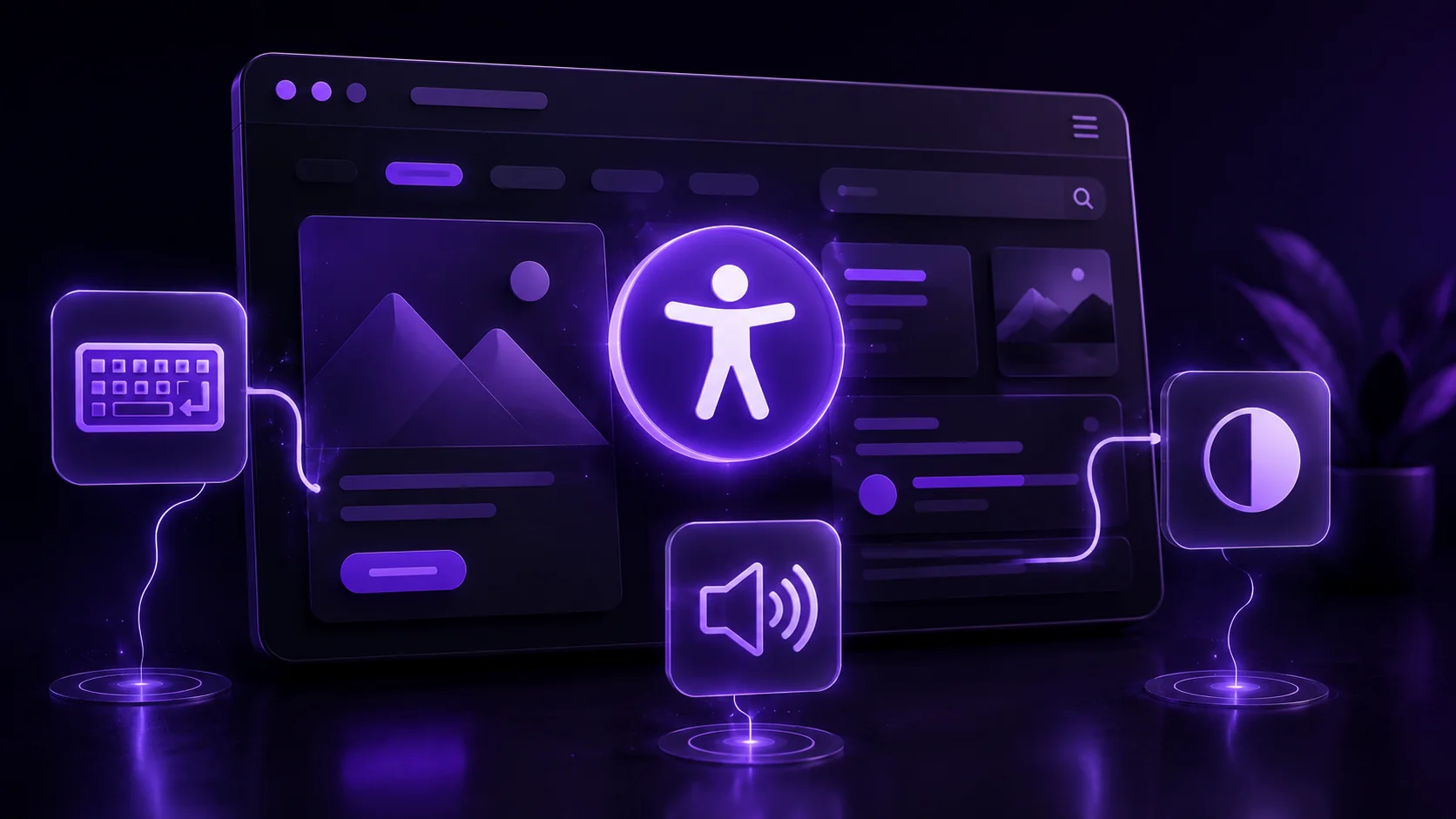
Visual, motor, auditory, and cognitive differences affect a significant portion of any audience, though many of these needs aren’t visible or obvious. Someone using a screen reader, navigating by keyboard only, or relying on high contrast settings is a real visitor your design either serves or excludes.
So accessibility isn’t charity work on top of “real” design. It’s designing for the full range of people actually visiting your site.
Color Contrast and Visual Accessibility
Text needs sufficient contrast against its background to remain readable for users with low vision or color blindness. WebAIM’s contrast checker provides a straightforward way to verify your color choices meet accessibility standards before launch.
This isn’t just about extreme cases either. Even users without diagnosed vision impairment benefit from stronger contrast in bright sunlight or on lower-quality screens.
Keyboard Navigation
Not every user navigates with a mouse. Every interactive element — links, buttons, form fields — needs to be reachable and usable via keyboard alone, in a logical, predictable order.
Test this yourself. Unplug your mouse and try navigating your own site using only Tab and Enter keys.
Screen Reader Compatibility
Screen readers convert on-screen content into speech or braille output for visually impaired users. Semantic HTML — proper heading structure, descriptive link text, labeled form fields — makes this conversion accurate, rather than confusing or incomplete.
Generic link text like “click here” gives a screen reader user no context. Descriptive text like “download our pricing guide” communicates the actual destination clearly.
Alt Text for Images
Every meaningful image needs descriptive alt text, giving screen reader users equivalent access to visual content. Decorative images that add no informational value can use empty alt text, signaling they should be skipped entirely.
This overlaps directly with SEO too — descriptive alt text serves both accessibility and search ranking simultaneously.
Accessible Forms
Form fields need clearly associated labels, not just visual placeholder text that disappears once a user starts typing. Error messages should clearly identify which field has a problem and how to fix it, not just display a generic “error” message.
Following WCAG and ADA Guidance
The Web Content Accessibility Guidelines (WCAG) provide the internationally recognized standard most accessibility requirements reference. In markets with legal accessibility requirements, non-compliance can carry real legal risk, not just a poor user experience.
Accessibility and SEO Overlap
Many accessibility best practices — semantic HTML, proper heading structure, descriptive alt text — directly improve technical SEO simultaneously. This makes accessibility one of the rare investments that serves multiple goals at once, not a tradeoff against other priorities.
How NRS Technologies Builds Accessible Websites
We test contrast ratios, keyboard navigation, and screen reader compatibility as standard practice on every project, not as an afterthought before launch. Our website design services build accessibility into the design process from the earliest wireframes.

As a result, clients get websites that genuinely work for their full audience, while also benefiting from the SEO overlap accessibility provides. Our UI/UX design services also incorporate accessibility testing throughout the design and prototyping phase.
Frequently Asked Questions
Is website accessibility legally required? Requirements vary by market and industry, but many regions have accessibility laws applicable to business websites, making non-compliance a real legal risk beyond just user experience concerns.
Does improving accessibility also help SEO? Yes, many accessibility best practices like semantic HTML, proper heading structure, and descriptive alt text directly overlap with technical SEO fundamentals.
How can I test my website’s accessibility myself? Try navigating using only a keyboard, check color contrast with a tool like WebAIM’s checker, and verify images have descriptive alt text as a starting baseline.
What’s the difference between decorative and meaningful images for alt text? Meaningful images convey information and need descriptive alt text, while purely decorative images can use empty alt text so screen readers skip them entirely.
Does accessible design mean sacrificing visual design quality? No, accessibility and strong visual design aren’t mutually exclusive. Thoughtful design can achieve both sufficient contrast and an appealing aesthetic simultaneously.
What are WCAG guidelines? The Web Content Accessibility Guidelines are the internationally recognized standard most accessibility requirements and legal frameworks reference for building accessible websites.
Final Thoughts
Accessible design serves a real, often invisible portion of your audience while simultaneously improving SEO and reducing legal risk. It’s one of the few design investments that pays off on multiple fronts at once.
Ready to get started? Contact NRS Technologies at hello@nrstechnologies.com or visit nrstechnologies.com/contact for a free accessibility audit.