
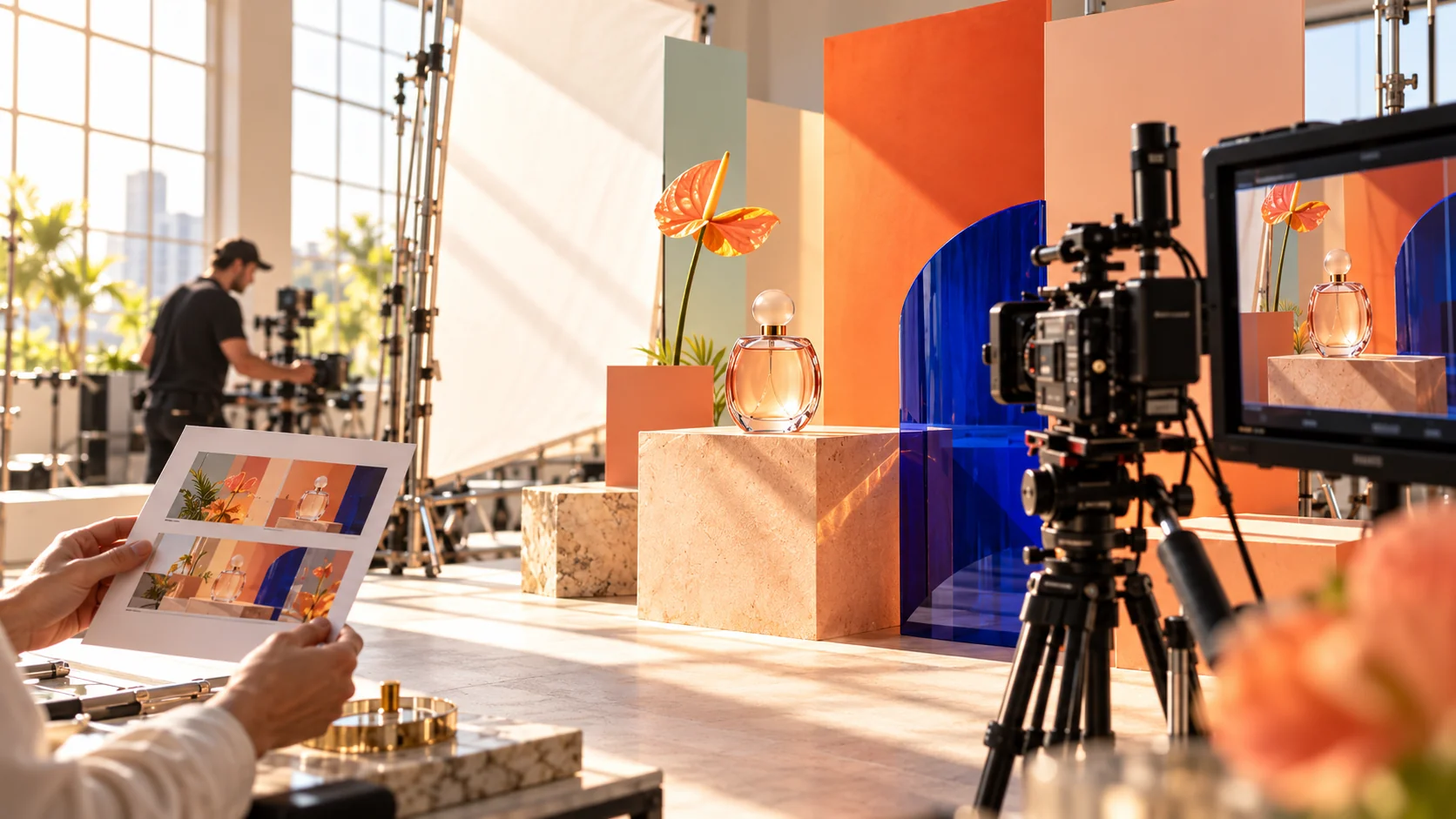
Figma Weave AI video generation has become more accessible to teams using AI agents for design and content production.
On October 26, 2026, Figma announced that video and image models available through Figma Weave can now be accessed from external AI agents through the Figma MCP server.
That means a connected agent can help generate images and videos with supported models, including Kling, Seedance and Nano Banana, without requiring the user to manually switch between every creative application.
Figma says businesses need a connected Weave account, and the generated media consumes Weave credits.
You can check the latest information in the official Figma release notes and the Figma MCP documentation.
For brands and marketing teams, this raises an important question.
If AI can generate promotional videos in minutes, do businesses still need professional video production?
The answer depends on what you are creating, how important visual consistency is and how much control the final production requires.
What Is Figma Weave?
Figma Weave is a creative platform for AI-powered media generation and editing.
It brings different AI models and production steps into connected workflows.
Rather than relying on one image or video model for every task, users can explore different approaches and refine outputs in a shared creative environment.
For example, a team might create a product visual, animate it, adjust the result and prepare a campaign asset.
Figma provides more detail on its image-to-video model workflows.
What Changed on October 26, 2026?
The latest update makes Weave’s media models available through the Figma MCP server.
MCP stands for Model Context Protocol. It enables compatible AI systems to discover and interact with external tools.
Previously, many creative workflows required users to open individual applications, manually move assets and repeat instructions.
Now, a connected agent can request supported image or video generation directly through Figma MCP.
For example, a user could ask an agent to turn an approved product image into a short motion concept using an available model.
The agent can initiate the supported generation workflow and return the result.
However, this should not be confused with a finished advertising production pipeline.
The final output may still require editing, visual-quality review, music, captions and platform-specific delivery.
How Do Kling, Seedance and Other Video Models Fit In?
Different video models can produce different visual results.
Some are more suitable for controlled camera movement, while others may perform better on particular kinds of product, lifestyle or animated footage.
Figma’s update confirms access to models such as Kling and Seedance through the Weave ecosystem.
That flexibility can help creative teams compare outputs before choosing the best direction.
However, model availability, features, usage limits and costs can change.
Always check what is available through your connected account before planning a production.
AI Video Generation vs Professional Video Production
These approaches overlap, but they are not identical.
| Requirement | AI Video Generation | Professional Production |
|---|---|---|
| Quick concept exploration | Excellent fit | Useful for creative direction |
| Product moodboards | Strong fit | Defines the overall style |
| Authentic customer interviews | Not a substitute for real footage | Strong fit |
| Accurate product demonstration | Requires careful verification | Greater physical control |
| Campaign variations | Can be efficient | Provides editorial supervision |
| Brand storytelling | Can support execution | Strong creative direction |
| Complex live-action filming | Limited substitute | Strong fit |
| Final platform delivery | May require post-production | Complete finishing workflow |
The best solution is often a hybrid workflow rather than treating AI and professional filmmaking as competitors.
1. Use AI for Video Concept Development
Early creative exploration can be expensive when every idea requires a full shoot.
A marketing team may want to compare several campaign directions before selecting one.
For example, a skincare brand could explore:
- Minimal studio product photography
- Sunlit lifestyle scenes
- Luxury close-up compositions
- Colourful editorial backgrounds
AI can help visualize these ideas before the team commits to production.
This gives stakeholders something concrete to review.
However, early concepts should be labelled as concepts, not presented as verified final product footage.
2. Start With a Strong Creative Brief
One of the biggest mistakes in AI video production is beginning with a vague prompt.
For example:
“Make a viral product video.”
That instruction provides very little useful direction.
A stronger brief includes:
- Target audience
- Product or service
- Core message
- Video objective
- Platform
- Duration
- Brand style
- Call to action
Professional creative planning becomes more important, not less important, when generating many video variations.
3. Build a Storyboard Before Generating Clips
A storyboard helps maintain narrative consistency.
Imagine a 20-second product video.
| Scene | Purpose | Visual Direction |
|---|---|---|
| Scene 1 | Capture attention | Distinctive product close-up |
| Scene 2 | Show the problem | Recognizable customer situation |
| Scene 3 | Present the solution | Accurate product demonstration |
| Scene 4 | Encourage action | Clean branded closing frame |
Without that structure, generated clips may look attractive individually but fail to tell a coherent story.
A well-defined storyboard also improves collaboration between AI operators, editors and stakeholders.
4. Keep Product Accuracy Under Human Control
AI-generated videos can accidentally change the appearance of a product.
This is especially risky for:
- Cosmetics
- Clothing
- Jewellery
- Electronics
- Furniture
- Food products
For example, an AI model might alter a bottle’s label, change the number of buttons on a device or introduce a feature that does not exist.
Those details can mislead customers.
Use approved real-world product assets where accuracy matters, and verify the final footage before publishing.
5. Use Real People Where Authenticity Matters
Not every brand message should be generated.
Customer testimonials, founder stories, employee interviews and real project showcases gain value from showing actual people and experiences.
A credible testimonial usually requires authentic footage, appropriate consent and accurate representation.
AI can help with editing, captions, translations and visual cleanup, but it should not manufacture a customer’s experience.
6. Use AI for Creative Variations
A single approved product scene can inspire multiple promotional variations.
For example, a brand may want:
- A vertical Instagram Reel
- A square social advertisement
- A website hero video
- A shorter retargeting clip
- A seasonal campaign version
AI tools can assist with creating or adapting some creative elements.
However, the final composition should still be checked in each platform’s actual dimensions.
A cinematic landscape shot may not crop well into a 9:16 Reel.
7. Do Not Ignore Sound Design
Visuals get attention, but audio shapes the overall experience.
Professional video work may include:
- Voiceover recording
- Music selection
- Sound effects
- Mixing
- Audio cleanup
- Captions
Where AI-generated speech or audio is used, the team should review licensing, consent, pronunciation and overall quality.
For most promotional work, the audio should support the story instead of competing with it.
8. Edit for Attention, Not Random Movement
AI video models can create visually impressive motion.
However, constant camera movement does not guarantee an engaging video.
A good editor chooses movement based on the message.
For example, a close-up may communicate product craftsmanship more effectively than an elaborate camera orbit.
Fast cuts can be useful for a product launch, while a slower pace may suit a premium brand.
Editing should follow the audience, offer and tone.
9. Make AI-Generated Video Look Less Artificial
Common problems with generated content include:
- Unnatural hand movement
- Inconsistent product geometry
- Exaggerated camera movement
- Overly glossy lighting
- Unrealistic fabric and surfaces
- Changing objects between frames
These issues can reduce trust.
To improve quality, use realistic source references, simpler camera directions, restrained motion and careful frame-by-frame review.
A short believable clip is often more useful than a longer spectacular-looking scene with visible errors.
10. Protect Brand Consistency Across Scenes
The biggest challenge with multi-scene AI content is continuity.
A character, product or environment may change slightly between generations.
Before production, create a visual reference pack that defines:
- Approved product images
- Brand colours
- Environment
- Lighting
- Camera language
- Composition
- Talent references, where appropriately authorized
The reference pack should guide each generation and subsequent editing.
Our recent guide to AI brand kits and professional branding explains why visual consistency begins with defined creative rules.
11. Understand the Costs of AI Video Production
AI video generation is not necessarily free.
Figma’s documentation says video and image generation through Weave consumes Weave credits.
The cost may vary based on the model and workflow.
Teams should also consider:
- Repeated generations
- Rejected clips
- Editing time
- Sound design
- Final exports
- Creative supervision
Figma explains that external-agent Weave runs use Weave credits, not the normal Figma AI credit pool.
Read the official Weave MCP setup and billing guidance.
Easy generation can encourage excessive experimentation. Track the actual production cost of each usable asset.
12. Calculate Cost per Approved Video
The number of generations is not the same as the number of finished videos.
Consider an illustrative example:
A team spends ₹5,000 on AI generations, ₹8,000 on editing and ₹7,000 on creative review and finishing.
If the team approves four videos, the total cost is ₹20,000.
The average cost per approved video is ₹5,000.
These numbers are hypothetical, not a quote or a market rate.
The purpose is to show that generation is only one part of total production cost.
13. Review Commercial Rights and Approvals
Before using AI-generated footage in paid campaigns, verify the applicable model and platform terms.
Also consider whether the content includes:
- Recognizable individuals
- Protected trademarks
- Licensed music
- Third-party creative assets
- Customer information
Commercial use may require additional permissions or legal review depending on the content and jurisdiction.
Never assume all generated media has identical usage rights across models.
14. When AI Video Is a Good Starting Point
AI video can be useful when the objective is:
- Exploring campaign concepts
- Developing visual storyboards
- Creating abstract motion backgrounds
- Testing social creative directions
- Producing low-risk short-form variations
- Supporting an editor with specific visual assets
The value is highest when the team can identify errors and guide improvements.
15. When Professional Video Production Is Worth It
Professional production is especially valuable when a campaign requires:
- Authentic live-action footage
- Accurate physical product demonstrations
- Real customer or founder interviews
- Complex location shoots
- Consistent multi-scene storytelling
- High-stakes brand campaigns
- Advanced motion graphics and editing
These projects involve planning, direction and accountability beyond generating individual clips.
What Does a Hybrid Video Production Workflow Look Like?
A practical workflow can combine both approaches.
- Define the audience, objective and offer.
- Create a creative brief and storyboard.
- Use AI to explore selected scenes or effects.
- Film real footage where authenticity or accuracy matters.
- Review and select the strongest material.
- Edit the sequence into a coherent story.
- Add sound, captions and approved branding.
- Export and test each platform format.
- Review performance and refine future campaigns.
This allows AI to accelerate production without allowing the tool to dictate the creative concept.
How NRS Technologies Approaches Video Production & Animation
At NRS Technologies, the creative objective comes before the software.
Depending on the project, a video production and animation brief can involve:
- Creative concept development
- Scriptwriting
- Storyboarding
- Product and promotional videos
- Short-form social content
- Motion graphics
- Video editing and finishing
- AI-assisted visual production
A strong video should fit the brand, communicate the message clearly and support a measurable business goal.
For campaigns that also need a website, landing page or distribution strategy, video should be coordinated with the wider digital marketing experience.
Need Video Content That Does Not Look Generic?
If your business wants better product videos, promotional content or short-form social creative, start with a strong brief.
Share your product, target audience, current brand assets, reference videos and campaign objective.
Then decide which parts should be filmed, animated or AI-assisted.
Contact NRS Technologies to discuss a video production and creative campaign →
Frequently Asked Questions
What is Figma Weave AI video generation?
Figma Weave is an AI-powered media creation platform that supports image and video generation workflows using different AI models.
What changed in Figma Weave on October 26, 2026?
Figma announced that video and image models in Weave can be accessed through the Figma MCP server from compatible external AI agents.
Which video models are available through Figma Weave MCP?
Figma lists examples including Kling and Seedance. Available models and capabilities depend on the Weave service and connected account.
Does Figma Weave require paid credits?
Yes. Figma says supported image and video generations consume Weave credits.
Can AI replace a professional video production agency?
AI can accelerate concept development and selected production tasks, but high-quality campaigns still need creative direction, brand consistency, editing, accuracy checks and appropriate production planning.
Is AI-generated video suitable for advertising?
It can be suitable for certain advertising uses after reviewing commercial rights, factual accuracy, product representation, platform rules and final production quality.
Does NRS Technologies offer video production and animation?
NRS Technologies works across digital creative services, including video production and animation, alongside branding, development and marketing.
Final Thoughts
Figma’s October 2026 update makes creative AI workflows easier to connect with external agents.
That may reduce the friction of generating videos and images during campaign production.
However, better tools do not eliminate the need for better ideas.
The strongest brand videos combine a clear message, thoughtful storytelling, believable visuals and disciplined editing.
Use AI to improve the production process. Use creative judgment to ensure the final work deserves your audience’s attention.
Talk to NRS Technologies about producing distinctive, brand-consistent video content →