A website without SSL isn’t just insecure — browsers now actively warn visitors before they even load the page. That’s why SSL certificate website security Hyderabad businesses ask about isn’t optional anymore. It’s baseline.
As a website security company in Hyderabad, we see this mistake more often than expected, usually on older sites nobody’s touched in years. Here’s what SSL actually does and why it matters.
What an SSL Certificate Actually Does
SSL encrypts the data traveling between a visitor’s browser and your server. Without it, anything a user types — passwords, payment details, contact forms — travels as plain, readable text.
That’s a serious risk. Anyone intercepting that connection can read it directly.
Why Browsers Flag Non-HTTPS Sites
Modern browsers display a clear “Not Secure” warning next to any HTTP-only site. This isn’t subtle — it’s designed to make visitors hesitate before entering any information.
So even if your site was never actually hacked, this warning alone drives visitors away. Trust erodes the moment they see it.
SSL as a Google Ranking Factor
Google confirmed HTTPS as a ranking signal years ago. It’s a smaller factor compared to content quality, but it’s one more reason non-HTTPS sites underperform in search results.
Combined with the trust warning issue, this makes SSL a compounding problem — hurting both rankings and conversion simultaneously.
Free vs Paid SSL Certificates
Let’s Encrypt provides free, automated SSL certificates that most modern hosting providers support natively. For the vast majority of business websites, this level of encryption is entirely sufficient.
Paid certificates (EV or OV SSL) add extended validation, showing your business name in browser details. This matters mainly for large enterprises or financial institutions where that extra trust signal justifies the cost.
How to Check if Your Site Is Properly Secured
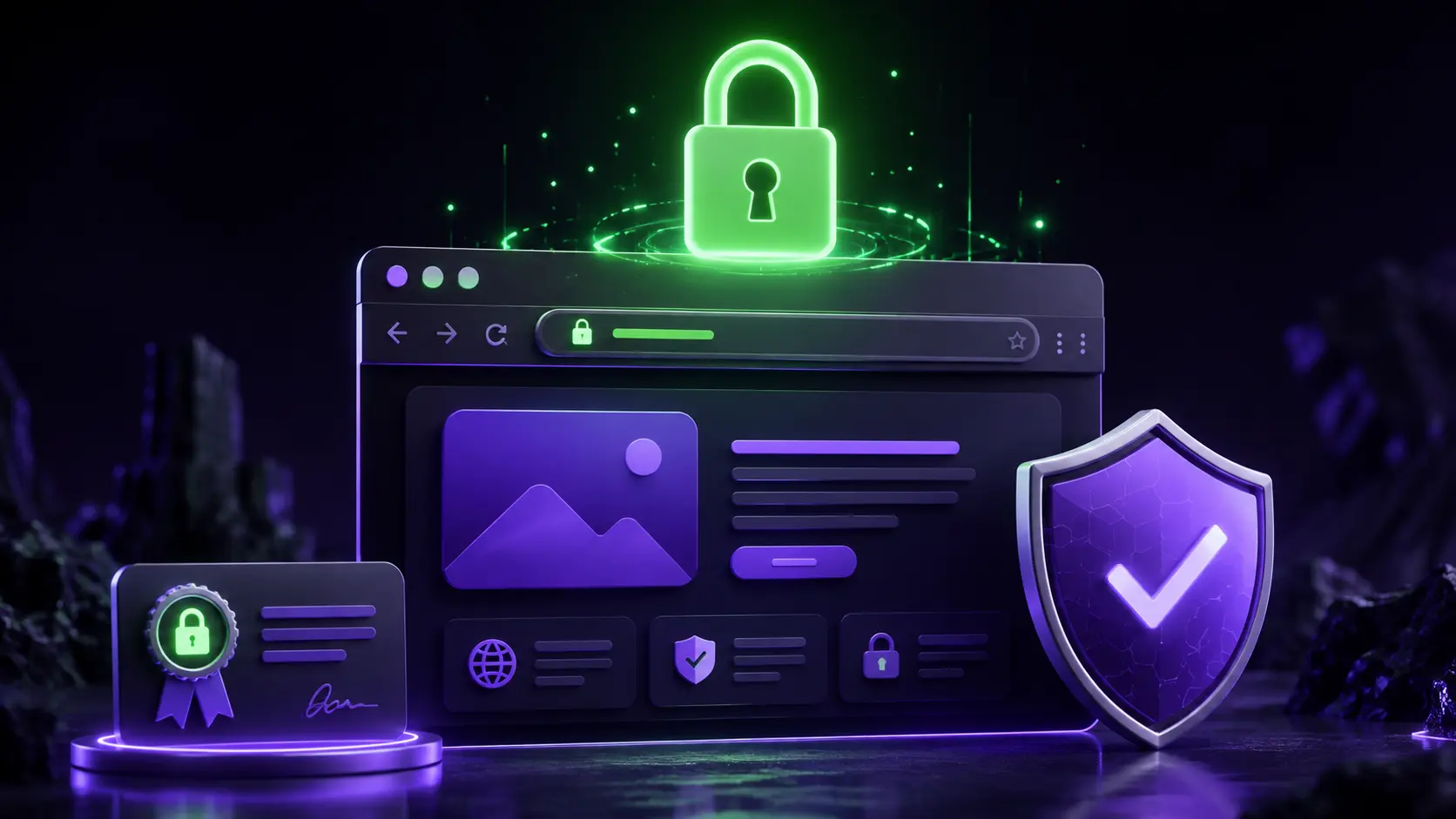
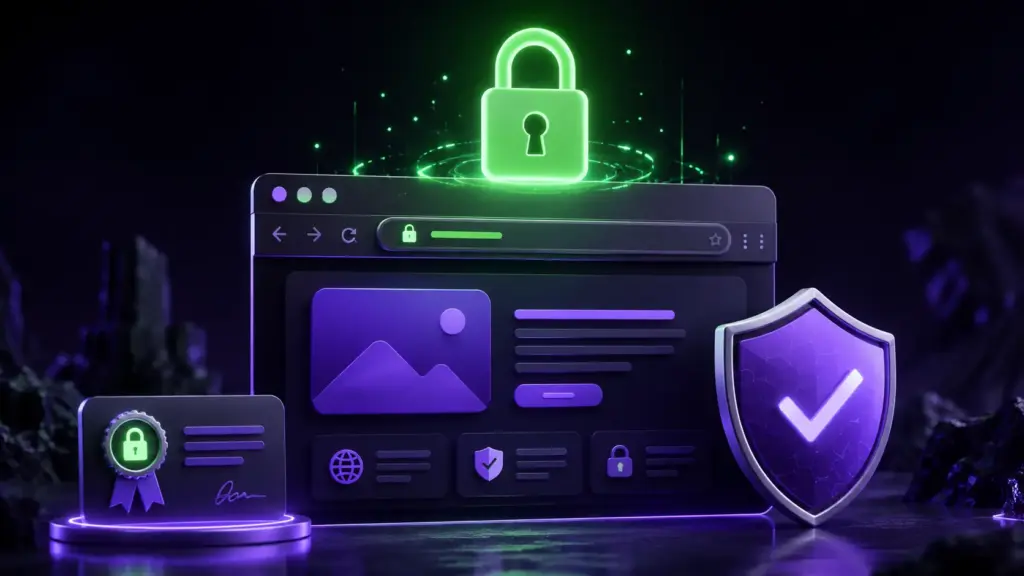
Look for the padlock icon in your browser’s address bar. Click it to verify the certificate is valid and hasn’t expired — expired certificates trigger the same warnings as no SSL at all.
Tools built into most hosting control panels can also confirm SSL status and alert you before expiration, if configured correctly.
Common SSL Setup Mistakes
Mixed content errors happen when a secured HTTPS page still loads some resources — images, scripts — over insecure HTTP. This triggers partial security warnings even on an otherwise properly configured site.
Expired certificates are another common issue. Auto-renewal should be configured from the start to prevent this from silently breaking site trust later.
SSL and Proper Hosting Setup
Quality hosting typically includes SSL support built in, with straightforward activation through the control panel. Cheap, unmanaged hosting sometimes requires manual certificate installation, which is where mistakes happen most often.
How NRS Technologies Handles SSL in Website AMC
Every Website AMC package we manage includes SSL monitoring and renewal, so certificates never silently expire and catch clients off guard. Our Website AMC services cover this as standard, ongoing protection.
As a result, clients never have to think about SSL again once it’s set up properly. Our website design services also ensure SSL and HTTPS are configured correctly from the very first launch, not added as an afterthought.
Frequently Asked Questions
Is a free SSL certificate as secure as a paid one? Yes, for most business websites, Let’s Encrypt’s free SSL certificates provide the same encryption strength as paid certificates. Paid options mainly add extended business validation display.
What happens if my SSL certificate expires? Browsers immediately show security warnings again, just as if the site had no SSL at all, which can significantly hurt visitor trust and conversions.
Does every website need SSL, even small business sites? Yes, any site collecting information through forms, or wanting to avoid browser security warnings entirely, needs SSL regardless of size.
How often do SSL certificates need to be renewed? Most free certificates renew every 90 days, though auto-renewal configured through your host usually handles this automatically without manual intervention.
Can SSL setup mistakes still leave my site showing security warnings? Yes, mixed content errors, where some page resources still load over HTTP, can trigger partial warnings even on a properly SSL-secured page.
Does SSL actually improve Google rankings? Yes, though it’s a smaller ranking factor compared to content quality. It’s one of several signals contributing to overall search performance.
Final Thoughts
SSL isn’t a nice-to-have anymore — it’s the baseline expectation for any website in 2026. Getting it set up correctly, and keeping it renewed, protects both visitor trust and search rankings.
Ready to get started? Contact NRS Technologies at hello@nrstechnologies.com or visit nrstechnologies.com/contact for a free website security check.