
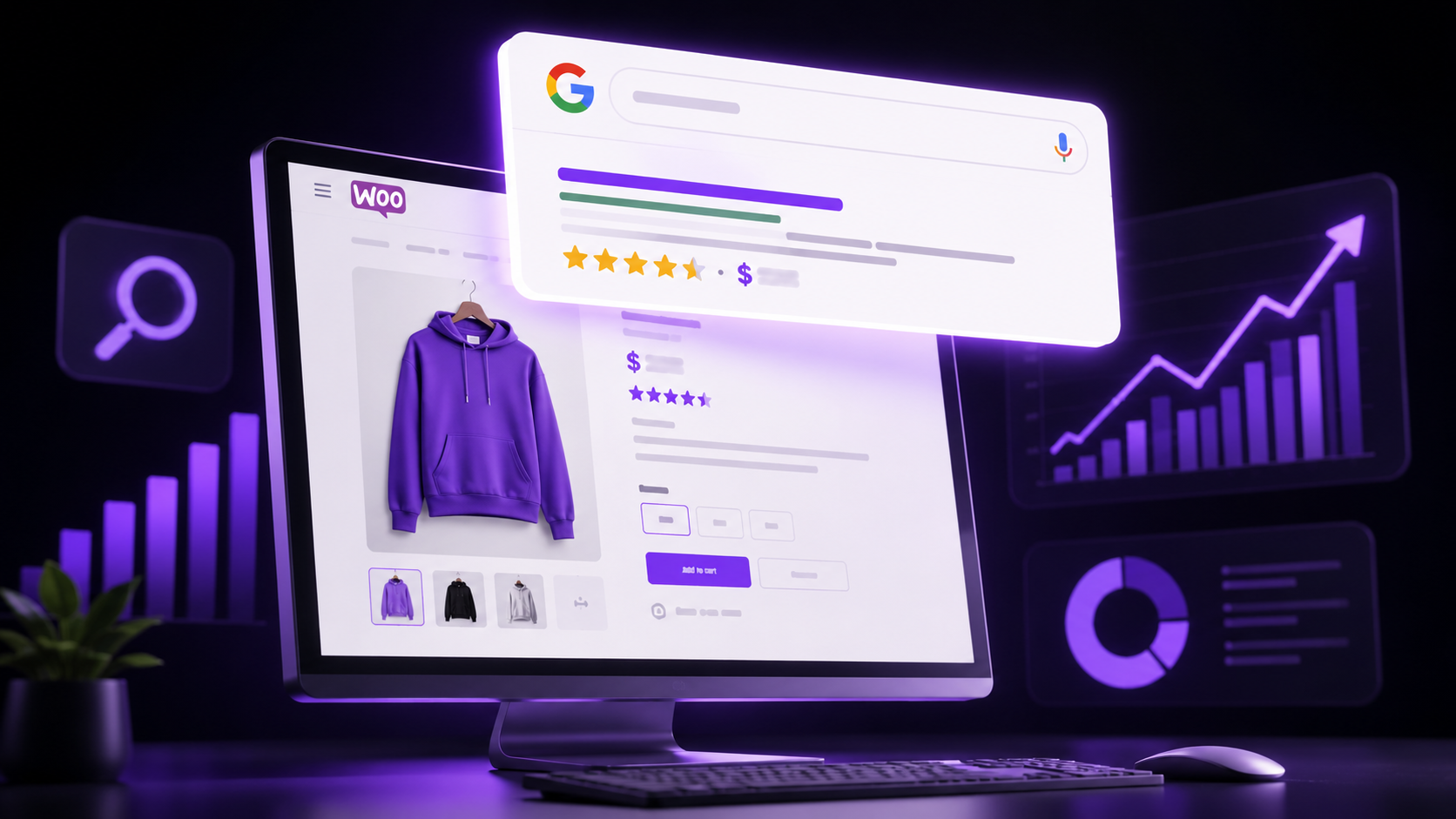
Most WooCommerce store owners treat SEO as an afterthought bolted onto an already-launched store. That’s backwards. As a WooCommerce SEO development company in Hyderabad, we’ve rebuilt enough underperforming stores to know that product-level SEO decisions made at setup — not patched in later — are what actually move rankings.
Why WooCommerce SEO Is Different From Regular SEO
A blog post targets one keyword with one page. A WooCommerce store might have hundreds of product pages, each competing for slightly different long-tail search terms, plus category pages that need their own distinct optimization strategy. This scale is exactly why generic SEO advice often falls short for store owners — the challenge is systematizing optimization across an entire catalog, not just polishing a handful of pages.
Product Title and Description Optimization
Every product title should lead with the primary keyword a buyer would actually search, followed by distinguishing details (size, color, material) that separate it from near-identical listings. Thin, manufacturer-supplied descriptions copy-pasted across dozens of competing stores create duplicate content problems — Google’s own SEO starter guide is explicit that unique, substantive content per page is foundational to ranking at all, not just a nice-to-have.
Schema Markup for Products
Implementing Product schema — price, availability, review ratings — is what earns the rich snippets (star ratings, price, stock status) that dramatically improve click-through rate directly from search results. Most WooCommerce SEO plugins generate this automatically, but it’s worth manually verifying in Google’s Rich Results Test that markup is actually validating correctly rather than assuming the plugin got it right.
Image SEO: Naming, Alt Text, and Compression
Product images should use descriptive, keyword-relevant filenames (not IMG_4821.jpg) and alt text that describes the actual product, not just the target keyword stuffed in awkwardly. Uncompressed product photos are also one of the biggest hidden speed killers on WooCommerce stores — running images through the WooCommerce performance documentation recommendations before upload prevents this compounding problem as catalogs grow.
Internal Linking Strategy for Product Categories
Category and subcategory pages should link liberally to related products and to each other, building a logical hierarchy that helps both users and search engines understand how your catalog is organized. This internal link equity distribution is frequently the single most underused SEO lever in WooCommerce stores we audit.
Speeding Up WooCommerce
Slow product pages directly suppress rankings and tank conversion simultaneously. Priorities, in order of typical impact: quality hosting built for WooCommerce specifically, aggressive but safe caching, and compressed imagery. Tools like GTmetrix and Google’s own ecommerce SEO best practices guide both reinforce speed as a compounding ranking and conversion factor, not a one-time technical checkbox.
Yoast vs Rank Math for WooCommerce
Both Yoast and Rank Math offer dedicated WooCommerce SEO extensions handling schema, XML sitemaps, and product-level optimization scoring. Rank Math’s free tier includes more WooCommerce-specific features out of the box, while Yoast’s premium WooCommerce SEO add-on offers more granular control for larger catalogs — the right choice depends on catalog size and budget more than raw feature count. Ongoing coverage on Ahrefs’ ecommerce SEO blog and Search Engine Journal is worth following since both plugins update frequently.
How NRS Technologies Approaches WooCommerce SEO
We audit product title structures, schema implementation, image weight, and internal linking as a batch process across the entire catalog — not page by page — since inconsistencies at scale are what actually suppress rankings across an entire store rather than isolated pages underperforming individually.
Frequently Asked Questions
How long does WooCommerce SEO take to show results? Product pages typically start showing ranking movement within 6-10 weeks of proper optimization, with category pages often taking slightly longer to build authority.
Should every product have a unique description? Yes, duplicate or manufacturer-supplied descriptions copied across many stores create direct competition for the exact same content, which suppresses ranking potential for everyone using it.
Does WooCommerce need a separate SEO plugin, or does WordPress SEO cover it? A WooCommerce-specific SEO extension (from Yoast or Rank Math) is strongly recommended since it adds product schema, category optimization, and structured data that general WordPress SEO plugins don’t fully cover.
Do product reviews actually help SEO? Yes, genuine product reviews contribute to schema-driven star ratings in search results and provide fresh, unique content that search engines value on otherwise static product pages.
How many products should be in a single category for good SEO? There’s no fixed number, but categories with too few products (under 5-10) often struggle to establish topical authority compared to well-populated categories.
Is WooCommerce SEO harder for large catalogs? It requires more systematic processes (bulk schema, templated but unique descriptions, internal linking rules) but isn’t inherently harder, just more operationally complex than a small catalog.
Final Thoughts
WooCommerce SEO isn’t a single optimization task — it’s an ongoing system spanning product content, technical schema, site speed, and internal linking, all working together across potentially hundreds of pages simultaneously.
Ready to get started? Contact NRS Technologies at hello@nrstechnologies.com or visit nrstechnologies.com/contact for a free WooCommerce SEO audit.