
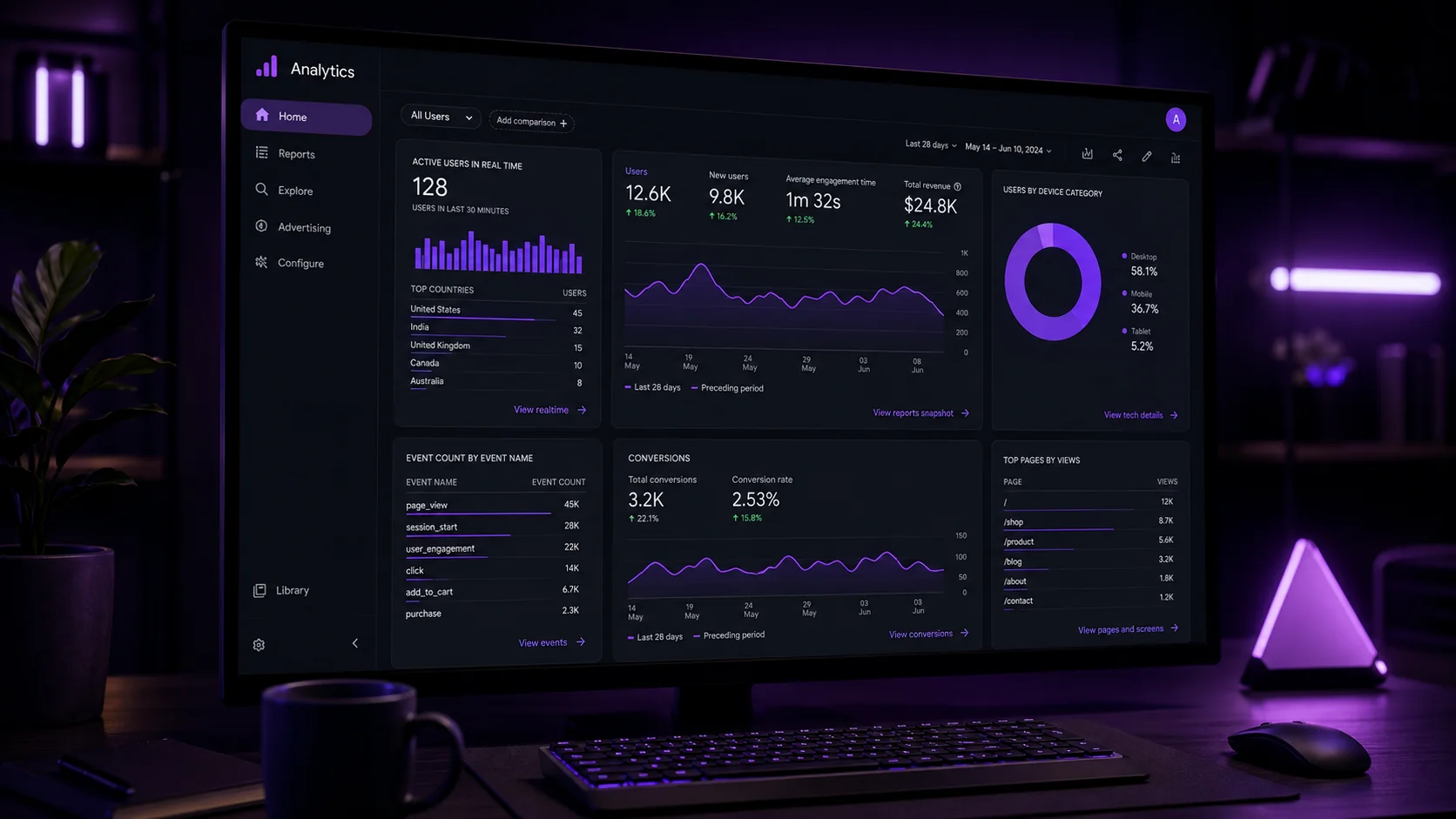
Most business owners have Google Analytics installed, but far fewer have it configured correctly. That gap is exactly why Google Analytics 4 setup Hyderabad businesses ask us about most often — not the installation itself, but getting the data to actually mean something.
As a digital marketing agency in Hyderabad, we set up GA4 correctly on every client site. Here’s the process, step by step.
Why GA4 Setup Matters More Than People Think
A poorly configured GA4 property gives you numbers, but not answers. You might see traffic without understanding which pages actually drive conversions or where visitors genuinely come from.
So proper setup isn’t a technical formality. It’s the difference between data you can act on and data that just sits there unused.
Step 1: Create Your GA4 Property
Start in Google Analytics by creating a new property specifically for GA4, not the older Universal Analytics format that’s now fully retired. Add your website’s basic details — name, timezone, and currency — during this setup.
Getting the timezone right matters more than it seems. It affects how your reports group data by day, which can distort trend analysis if set incorrectly.
Step 2: Install the Tracking Code
Add your GA4 measurement ID to your website, either directly in your site’s code or through Google Tag Manager. Tag Manager gives you more flexibility for future tracking changes without needing a developer every time.
Verify the code is firing correctly using GA4’s real-time report before moving forward. This catches installation errors immediately, rather than days later.
Step 3: Set Up Key Conversion Events
GA4 tracks events, not just pageviews, which is a significant shift from older analytics models. Define what counts as a meaningful conversion for your business — a form submission, a purchase, a phone click — and mark those events as conversions.
Without this step, GA4 collects data but can’t tell you what actually matters to your business goals.
Step 4: Link Google Search Console
Connecting Google Search Console to GA4 brings organic search data directly into your reports. This shows exactly which search queries bring visitors to your site, alongside their on-site behavior.
This integration is often skipped, but it’s genuinely one of the most valuable connections you can make.
Step 5: Configure Audiences for Remarketing
Build audience segments based on behavior — cart abandoners, repeat visitors, high-value pages viewed — so you can target these groups with remarketing campaigns later. Set this up early, since audiences only start collecting data from the moment they’re created forward.
Step 6: Set Up Custom Reports and Dashboards
GA4’s default reports work fine for basic overview, but custom reports tailored to your specific business goals reveal far more actionable insight. Focus dashboards on the metrics that actually drive decisions, not vanity numbers that look impressive but mean little.
Common GA4 Setup Mistakes to Avoid
Skipping conversion event configuration is the most common mistake we see. Without it, you’re tracking activity without understanding impact.
Ignoring the Search Console link is another frequent gap, one that leaves valuable organic search insight completely unused.
How NRS Technologies Sets Up GA4 for Clients
We configure conversion tracking, Search Console linking, and custom reporting as standard on every GA4 setup we handle. Our digital marketing services include this as a foundational step before any campaign work begins.
As a result, clients get data they can actually use to make decisions, not just a dashboard full of numbers. Our website design services also ensure tracking is built in correctly from the first launch, not added as an afterthought.
Frequently Asked Questions
Is Google Analytics 4 free to use? Yes, GA4’s standard version is completely free for businesses of any size, with an enterprise-tier paid option available for larger organizations needing advanced features.
What’s the biggest mistake businesses make when setting up GA4? Skipping conversion event configuration is the most common mistake, leaving businesses with traffic data but no clear understanding of what’s actually converting.
Should I use Google Tag Manager or install GA4 directly? Google Tag Manager offers more flexibility for future tracking changes without needing developer support each time, making it the more scalable choice for most businesses.
How long does it take to set up GA4 properly? Basic installation takes minutes, but proper configuration, including conversion events, Search Console linking, and custom reports, typically takes a few hours for a thorough setup.
Why should I link Search Console to GA4? It brings organic search query data directly into your analytics, showing exactly which searches bring visitors and how they behave once they arrive.
Can I set up remarketing audiences after GA4 has already been running? Yes, but audiences only start collecting data from the moment they’re created, so earlier setup means more usable audience data for remarketing sooner.
Final Thoughts
GA4 setup done properly turns raw traffic numbers into genuine business insight. The upfront time investment in correct configuration pays off every time you make a data-driven decision afterward.
Ready to get started? Contact NRS Technologies at hello@nrstechnologies.com or visit nrstechnologies.com/contact for a free GA4 setup consultation.